Context Engineering with Claude Skills: Beyond Prompt Engineering
Learn how Claude Skills implement context engineering principles to give Claude the right information at the right time — and why this matters more than prompt wording.
Prompt engineering dominated the first era of AI tooling. Write a good system prompt, craft your instructions carefully, iterate until the model behaves correctly. It works — but it hits a ceiling.
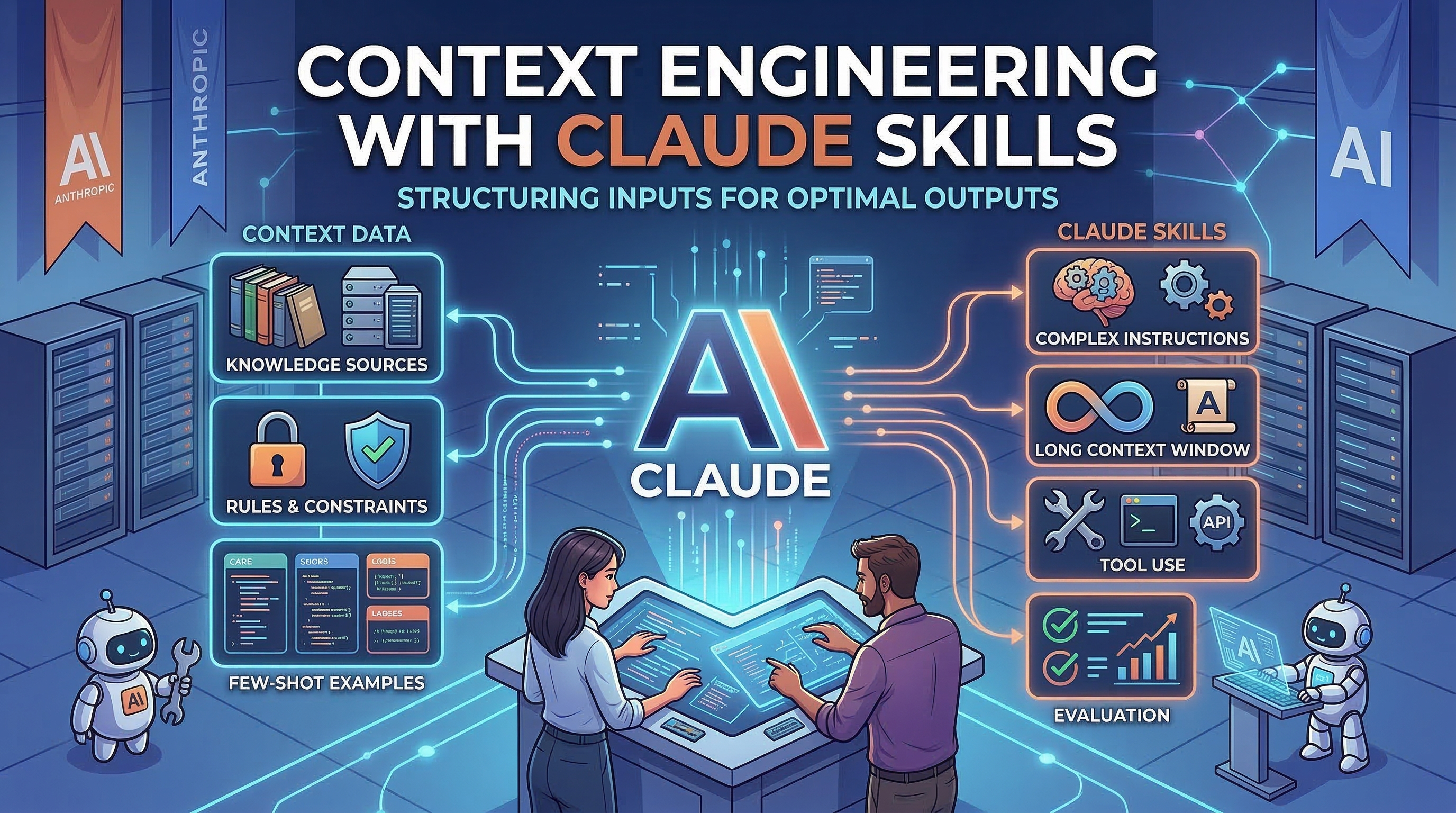
Context engineering is what comes next. Instead of asking "how do I write better prompts?", it asks: what information should be in Claude's context window at any given moment, and what should not be?
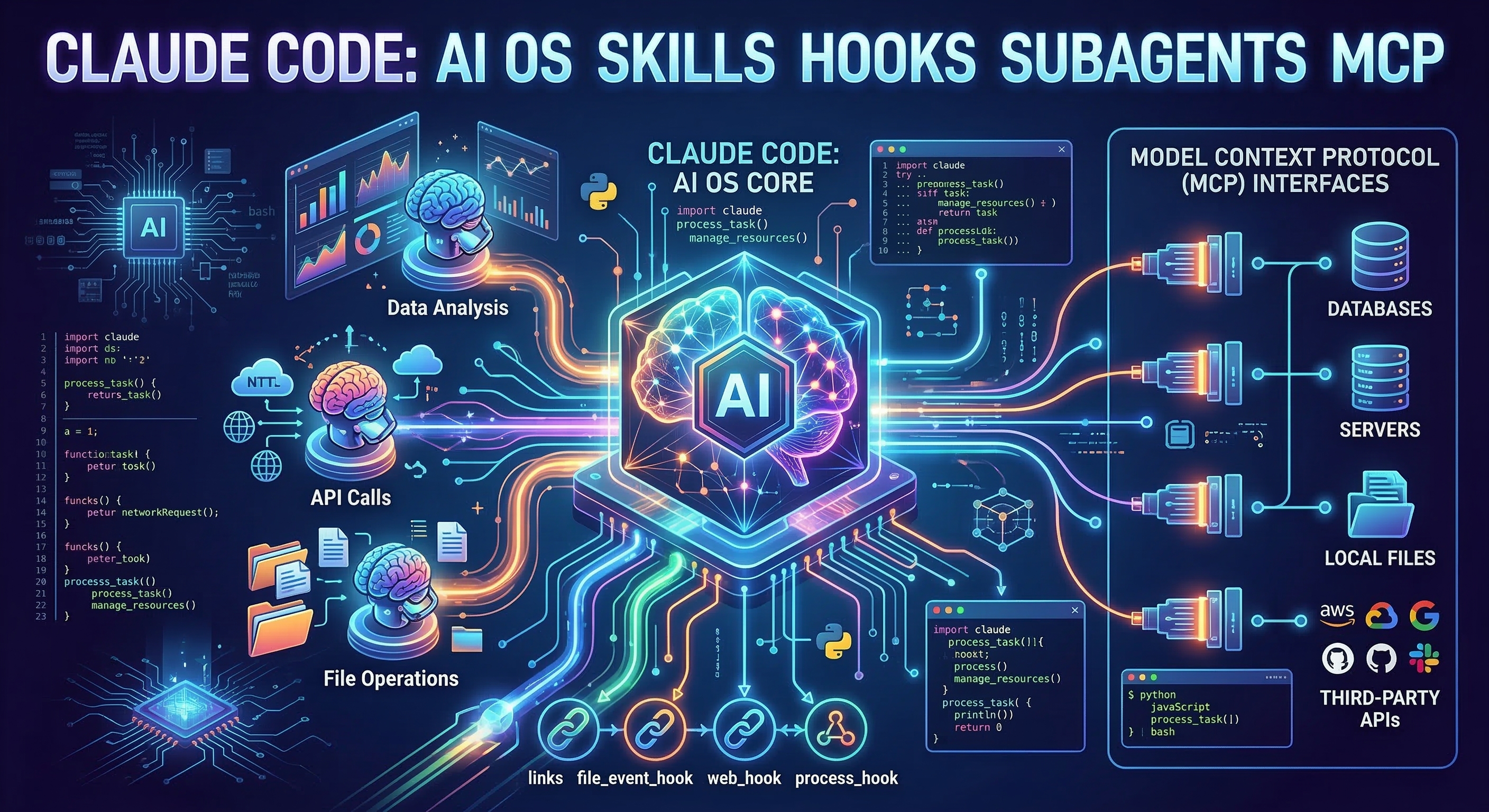
Claude Skills are, at their core, a context engineering architecture. Understanding them this way — not as a "features" feature but as a principled approach to context management — unlocks patterns most developers miss.
Why Monolithic Prompts Fail at Scale
A typical heavy CLAUDE.md might contain:
- Project architecture overview (always relevant)
- Coding style guide (relevant when writing code)
- Deployment procedures (relevant when deploying)
- Database schema (relevant when querying data)
- Testing conventions (relevant when writing tests)
- API documentation (relevant when building integrations)
Load all of this every session and you're consuming thousands of tokens regardless of what you're actually doing. Worse, as Anthropic's own research has documented, attention on information in the middle of long contexts degrades — a phenomenon called lost in the middle. Front-loading everything doesn't help if the relevant piece is buried in paragraph 47.
For a typical mixed-content CLAUDE.md that's 3,000 tokens, roughly 70–80% of those tokens are irrelevant to any given task. You're paying the attention cost for information Claude doesn't need.
Skills as Progressive Disclosure
Claude Skills implement a pattern called progressive disclosure: summarize everything upfront at minimal cost, expand only what's relevant.
Here's the architecture:
Session starts
  → Claude reads YAML frontmatter of all installed skills
  → ~20-50 tokens per skill
  → 40 skills ≈ 1,500 tokens total overhead

User asks about deployment
  → Claude identifies deployment skill as relevant
  → Loads full deployment skill: ~800 tokens
  → Everything else: NOT in context

User asks about testing
  → Claude loads testing skill: ~600 tokens
  → Deployment skill: unloaded
Compare this to a monolithic CLAUDE.md loading 4,000 tokens of mixed content every session. The progressive disclosure pattern loads roughly the same total tokens across a full session, but the right tokens for each task.
The result isn't just efficiency — it's quality. When the only coding context in Claude's window is this specific task's relevant instructions, there's no noise competing with the signal.
How to Convert Monolithic Context to Skills
The migration from a large CLAUDE.md to a Skills-based architecture takes about an hour for most projects.
Before: everything in CLAUDE.md
# MyApp Development Guide

## Architecture
[500 tokens describing the system architecture]

## When writing code, follow these rules:
[300 tokens of coding conventions]

## When deploying, follow this checklist:
[400 tokens of deployment procedures]

## Database schema:
[800 tokens of table definitions and relationships]

## Testing approach:
[300 tokens of testing philosophy and patterns]
Total: ~2,300 tokens, loaded every session.
After: hierarchical structure
.claude/
├── CLAUDE.md              # ~150 tokens: project name, stack, key contacts
└── skills/
    ├── coding-conventions/
    │   └── SKILL.md       # Loads when writing/reviewing code
    ├── deployment/
    │   └── SKILL.md       # Loads when deploying
    ├── database/
    │   └── SKILL.md       # Loads when working with data
    └── testing/
        └── SKILL.md       # Loads when writing tests
Session overhead: 150 (CLAUDE.md) + ~35×4 (skill frontmatter) = ~290 tokens. Per-task load: 300–800 tokens for the relevant skill.
The total tokens across a full session are similar — but you're now loading only what's needed for each task, in a clean context without competing noise.
Writing Effective Skill Frontmatter
The frontmatter description is what Claude uses to decide whether to load a skill. Precise descriptions matter:
# Vague — loads too often or not often enough
---
name: database
description: Database information
---

# Better — specific triggers
---
name: database-schema
description: Use when writing SQL queries, working with migrations, debugging
  data issues, or designing new database tables for MyApp
---
The description should capture:
- What actions trigger it — writing, reviewing, debugging, designing
- What domain it covers — specific to your project context
- When NOT to load it — implicit through specificity
A useful test: read your description and ask whether a colleague reading it would know exactly when to consult this reference. If not, sharpen it.
The context-engineering Skill
For developers serious about this approach, the context-engineering skill — with 8,285 stars one of the most popular on the platform — encodes these patterns directly into Claude's behavior.
# Install globally
mkdir -p ~/.claude/skills/
gh repo clone context-engineering-hub/context-engineering \
  ~/.claude/skills/context-engineering
Once installed, Claude will automatically:
- Suggest when a new piece of information belongs in a Skill vs. CLAUDE.md
- Structure new SKILL.md files with frontmatter optimized for relevance matching
- Diagnose context degradation when long sessions start losing coherence
- Apply dynamic injection patterns for retrieved documentation and logs
The skill-seekers skill (9,488 stars) complements this by helping Claude discover which installed skills apply to novel or ambiguous tasks — increasingly useful as a skill library grows past 20–30 entries.
Advanced Pattern: Layered Context Architecture
For larger codebases, context engineering extends into a full four-layer system:
Layer 1: Universal (~100–200 tokens, always present)
  ~/.claude/CLAUDE.md
  Who you are. Your general preferences. Nothing project-specific.

Layer 2: Project (~100–300 tokens, loaded per project)
  .claude/CLAUDE.md
  This project's tech stack, team, key files. Not task-specific.

Layer 3: Domain (300–1000 tokens, loaded per task domain)
  .claude/skills/testing/
  .claude/skills/deployment/
  .claude/skills/code-review/
  Deep expertise for specific domains within the project.

Layer 4: Dynamic (variable, retrieved as needed)
  Error logs from MCP
  API responses
  Retrieved documentation
  Database query results
The design principle: higher layers contain more stable, less specific information. If you find yourself editing your global CLAUDE.md frequently, task-specific content has leaked into the wrong layer.
Context Engineering Pays Off Most When
Sessions are long. Context accumulates. Well-structured Skills prevent irrelevant history from crowding out relevant information.
The codebase is large. More code means more potential context. Skills let Claude load only what's relevant to the current module or task.
Teams are involved. Shared Skills give every team member identical context — without requiring everyone to maintain matching CLAUDE.md files or remember which conventions apply where.
The project spans multiple domains. When one codebase covers frontend, backend, database, and infrastructure, domain-specific Skills prevent instructions from one area polluting another.
Getting Started
The quickest first step is an audit. Open your CLAUDE.md and mark every section that starts with "When you need to..." or "If you are working on..." — each of those is a candidate for its own Skill.
Then visit claudeskills.info to find community Skills that may already encode the patterns you're implementing. The context-engineering skill is the natural first install for anyone taking this approach seriously — it effectively teaches Claude to apply context engineering discipline to everything you build together.
Context engineering isn't a replacement for clear instructions. It's the infrastructure that makes those instructions work at scale — ensuring they're present when needed, absent when not, and never competing with each other for Claude's attention.