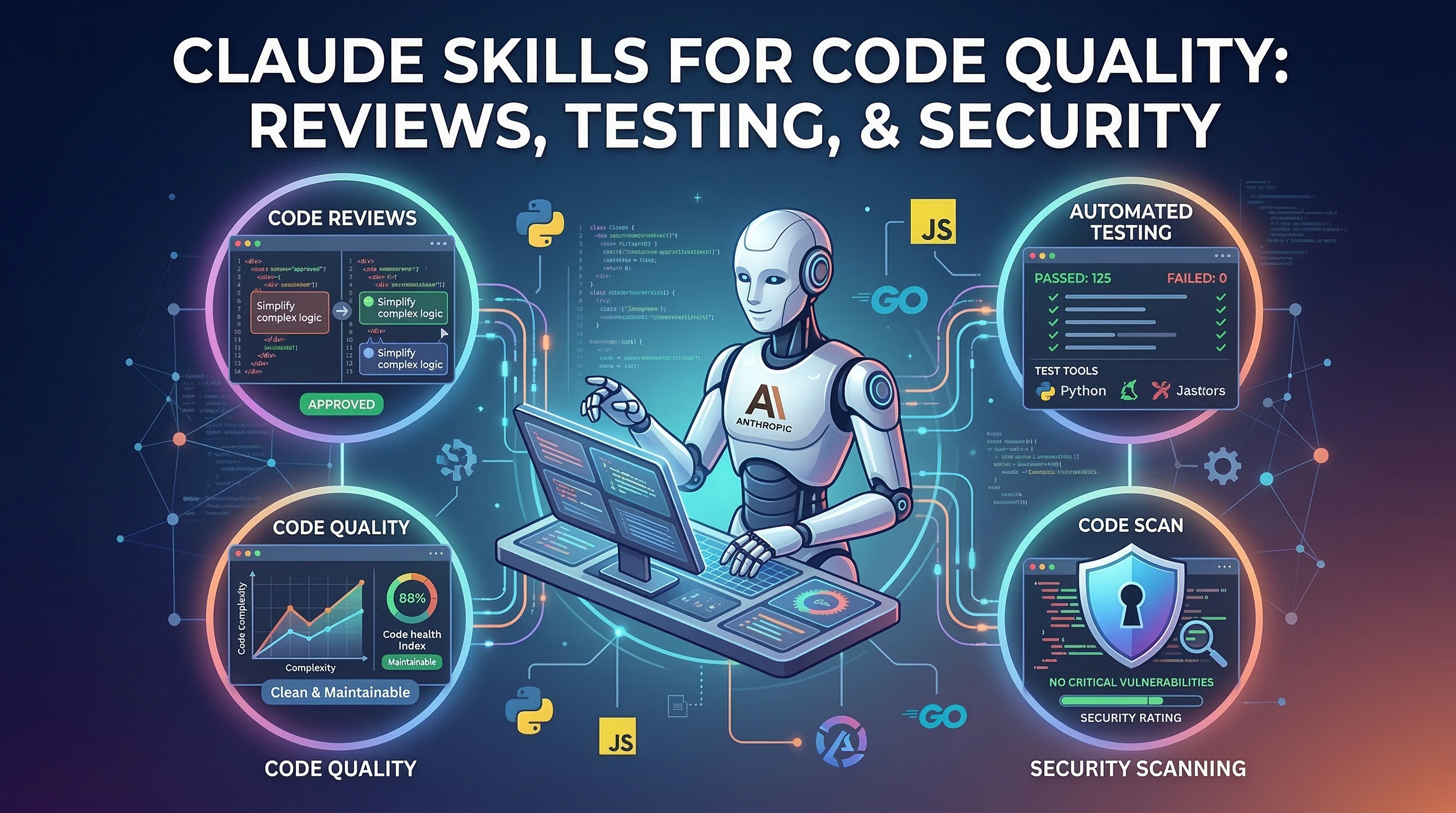
One SKILL.md, Every Tool: Claude Skills Work in Cursor, Windsurf, and Gemini CLI Too
Claude Skills aren't just for Claude Code. Learn how a single SKILL.md file works across Cursor, Windsurf, Gemini CLI, Codex CLI, and 10+ AI coding tools in 2026.
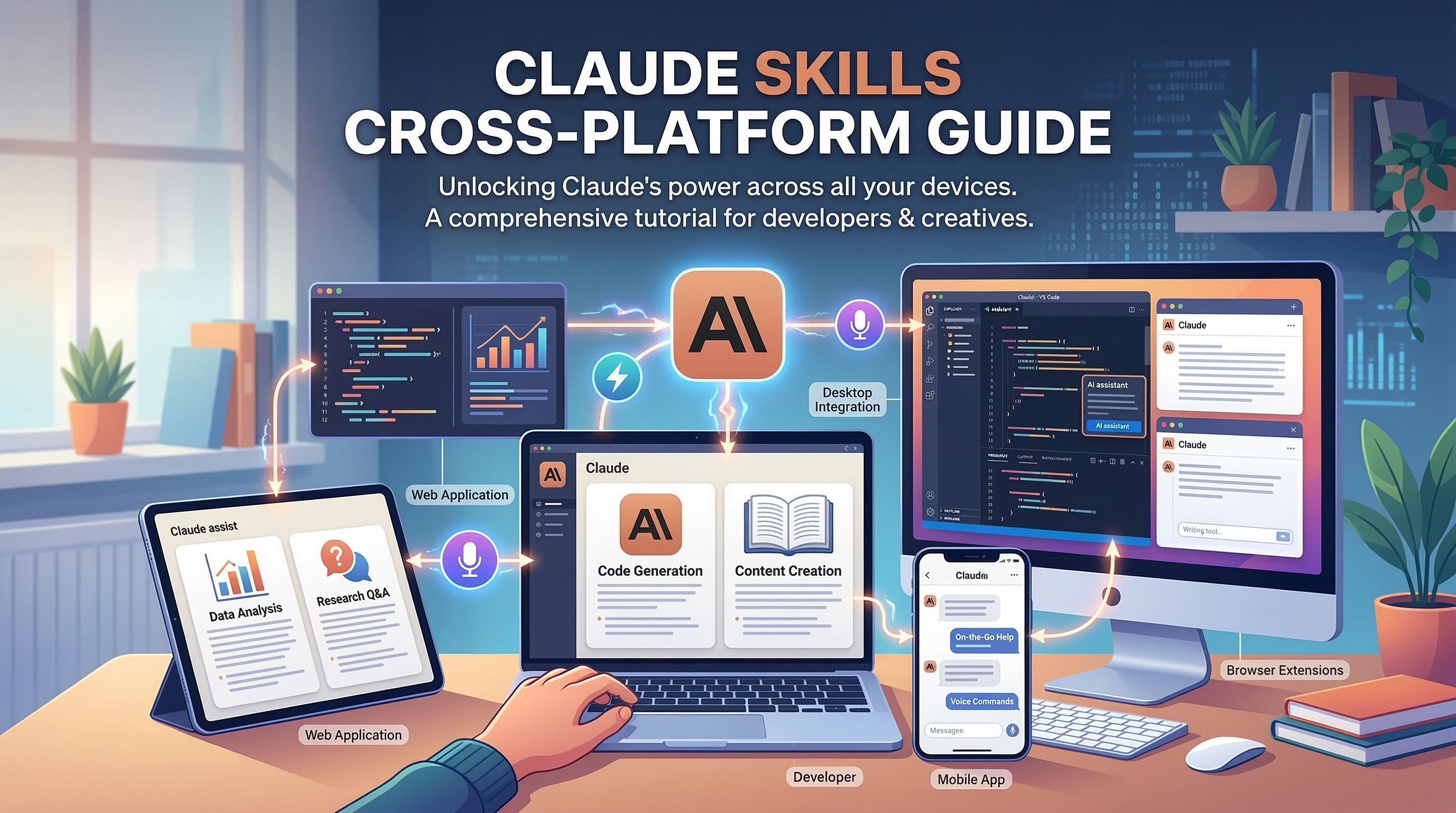
When Anthropic launched Claude Skills in October 2025, the initial framing was clear: install skills in Claude Code, get better results with Claude. What happened next surprised everyone.
Within weeks, developers discovered that SKILL.md files worked in Codex CLI. Then in Gemini CLI. Community tools emerged to auto-convert skills for Cursor and Windsurf. By early 2026, VoltAgent's awesome-agent-skills repository was describing SKILL.md as "compatible with Codex, Antigravity, Gemini CLI, Cursor and others" — and collecting 10,000+ stars for it.
The Claude Skill specification, it turns out, became the open standard for AI agent instructions. Here's what that means in practice.
Why SKILL.md Became Cross-Platform
The SKILL.md format is deliberately simple: a YAML frontmatter block followed by plain Markdown instructions. There's no Claude-specific API, no tool-specific syntax, no proprietary scaffolding. It's just structured text.
---
name: code-reviewer
description: >
  Security-focused code review that checks for OWASP Top 10 vulnerabilities,
  common injection patterns, and hardcoded credentials.
triggers:
  - "review my code"
  - "security review"
  - "check for vulnerabilities"
---

When reviewing code, always check for:
1. SQL injection via string concatenation in database calls
2. Hardcoded secrets (API keys, passwords, tokens)
3. Unvalidated user input reaching sensitive operations
...
Any LLM that receives this file as context can follow the instructions. The only tool-specific part is how the file gets loaded — and that's where the ecosystem diverges.
Tool-by-Tool: How Agent Skills Load
Tier 1: Native SKILL.md Support
These tools read .claude/skills/*/SKILL.md natively:
Claude Code — The original. Claude scans skill frontmatter at session start (~100 tokens per skill), loads the full instructions only when relevant. Progressive disclosure means 20 installed skills costs about 2,000 tokens total at startup.
Codex CLI (OpenAI) — Supports the Agent Skills spec directly. Install skills the same way you would for Claude Code; Codex discovers them automatically.
Gemini CLI (Google) — Reads SKILL.md files from compatible skill directories. Simon Willison confirmed early on that skills authored for Claude Code work with Gemini CLI without modification.
Antigravity — Native SKILL.md support was a launch feature. The Anthropic-compatible directory structure is treated as the canonical installation path.
OpenCode — Community-driven Claude Code alternative with full SKILL.md compatibility.
Tier 2: Adapter Required
Cursor — Uses .cursor/rules/*.mdc files with glob patterns. A SKILL.md file won't load natively, but the content translates directly. Create a .cursor/rules/code-reviewer.mdc:
---
description: Security-focused code review for OWASP Top 10
globs: ["**/*.ts", "**/*.js", "**/*.py"]
alwaysApply: false
---

When reviewing code, always check for:
[paste SKILL.md body here]
Cursor's glob-based matching approximates SKILL.md's trigger mechanism. The key difference: Cursor matches files by path pattern rather than conversational intent.
Windsurf — Uses a single .windsurfrules file loaded wholesale on every prompt. There's no per-request loading — all your skill content goes into one file, so you need to be selective. Extract the most important skills and concatenate them:
## Code Review Rules
[code-reviewer SKILL.md body]

## Documentation Rules
[code-documenter SKILL.md body]
GitHub Copilot — Uses .github/copilot-instructions.md. Similar to Windsurf: always-loaded, so keep it focused.
The Conversion Toolkit
Because the community recognized this fragmentation problem early, several tools now handle cross-platform conversion automatically.
agent-skill-creator
FrancyJGLisboa/agent-skill-creator (14+ supported tools) takes a SKILL.md source and generates the platform-specific format for each target:
# Install
npm install -g agent-skill-creator

# Generate formats for all supported tools from your SKILL.md
agent-skill-creator convert ./my-skill/SKILL.md --targets claude,cursor,windsurf,copilot
Output:
claude/→.claude/skills/my-skill/SKILL.mdcursor/→.cursor/rules/my-skill.mdcwindsurf/→ Windsurf-formatted content blockcopilot/→.github/copilot-instructions.mdaddition
skills.sh
The skills.sh package registry supports installation across tools:
# Install a skill into Claude Code
skills install trailofbits/skills/static-analysis

# Install the same skill adapted for Cursor
skills install trailofbits/skills/static-analysis --target cursor

# Install for Windsurf
skills install trailofbits/skills/static-analysis --target windsurf
Cross-Platform in Action: A Real Workflow
Suppose your team uses different tools — some developers use Claude Code, others prefer Cursor, your security team uses their own setup. You want everyone working from the same code review standards.
Step 1: Write once in SKILL.md
my-standards/
└── SKILL.md          ← single source of truth
---
name: team-code-standards
description: >
  Enforce team coding standards: TypeScript strict mode, no any types,
  Zod for all API boundaries, Prisma for database access,
  error handling with Result<T, E> pattern.
triggers:
  - "review"
  - "check my code"
  - "does this follow our standards"
---

Always enforce these team standards:

**TypeScript**
- No `any` types — use `unknown` with type guards or define explicit interfaces
- Enable strict mode in tsconfig.json
- All external data must be validated with Zod before use

**Database**
- All database access through Prisma client
- No raw SQL except in migrations
- Always use transactions for multi-table writes

**Error Handling**
- Use the Result<T, E> pattern for operations that can fail
- Never throw in service layer — return errors as values
- Log at error site, not at call site
Step 2: Deploy to each tool
# Claude Code — native
cp -r my-standards ~/.claude/skills/

# Cursor — convert
agent-skill-creator convert ./my-standards/SKILL.md --target cursor

# Windsurf — append to .windsurfrules
cat my-standards/SKILL.md | python3 -c "
import sys
# Strip YAML frontmatter
content = sys.stdin.read()
body = content.split('---', 2)[2].strip()
print(body)
" >> .windsurfrules
Now your team standards are enforced consistently — whether a developer uses Claude Code, Cursor, or Windsurf.
The Economics of Cross-Platform Skills
One frequently overlooked advantage of the SKILL.md format is the token cost difference across tools.
Claude Code (progressive disclosure):
- Startup: ~100 tokens per skill (frontmatter only)
- On activation: full skill content (~1,000-5,000 tokens)
- 20 skills → ~2,000 tokens at startup + skills loaded on demand
Windsurf (.windsurfrules, always loaded):
- Every prompt: full .windsurfrules content
- If you add all 20 skills: ~100,000 tokens per prompt
- Practical limit: 3-5 focused rules, not 20
Cursor (.mdc, glob-matched):
- Per-file: only rules matching current file's path
- Efficient for file-specific rules, less so for conversational triggers
This isn't a reason to avoid Cursor or Windsurf — it's a reason to be intentional about which skills you put where. Your universal SKILL.md library might contain 20 skills; your Windsurf rules might contain only your 3 most universal ones.
The Growing Ecosystem
The cross-platform momentum has attracted major players. The VoltAgent/awesome-agent-skills repository now catalogs official skills from:
- Anthropic — document tools, design systems, webapp testing
- Expo — React Native and Expo mobile development
- Trail of Bits — security auditing and static analysis
- Vercel — Next.js and React deployment patterns
- Cloudflare — Workers and D1 development
- And dozens more from the community
These skills are authored in SKILL.md and available for any compatible tool.
Choosing the Right Tool for Your Workflow
| If you want... | Use... |
|---|---|
| Best progressive loading | Claude Code |
| Tight IDE integration | Cursor |
| Single-config simplicity | Windsurf |
| Scriptable automation | Codex CLI or Gemini CLI |
| Cross-platform everything | Write SKILL.md + use agent-skill-creator |
The good news: you don't have to choose permanently. Skills you write for Claude Code today work in your colleagues' Cursor setups tomorrow, with minimal adaptation.
Where to Find Cross-Platform Skills
claudeskills.info catalogs skills with cross-platform compatibility information. You can filter by tool support, browse by category, and download installation-ready packages. Whether you're running Claude Code, Cursor, Windsurf, or a combination, there's a growing library of skills ready to use.
For teams looking to standardize across tools, the recommended approach is to maintain your canonical skills in SKILL.md format and use automated conversion for each developer's preferred environment. Write once, run everywhere — the promise of the open Agent Skills specification.
Sources: VoltAgent/awesome-agent-skills · FrancyJGLisboa/agent-skill-creator · Claude Code vs Cursor vs Windsurf comparison · shinpr/sub-agents-skills