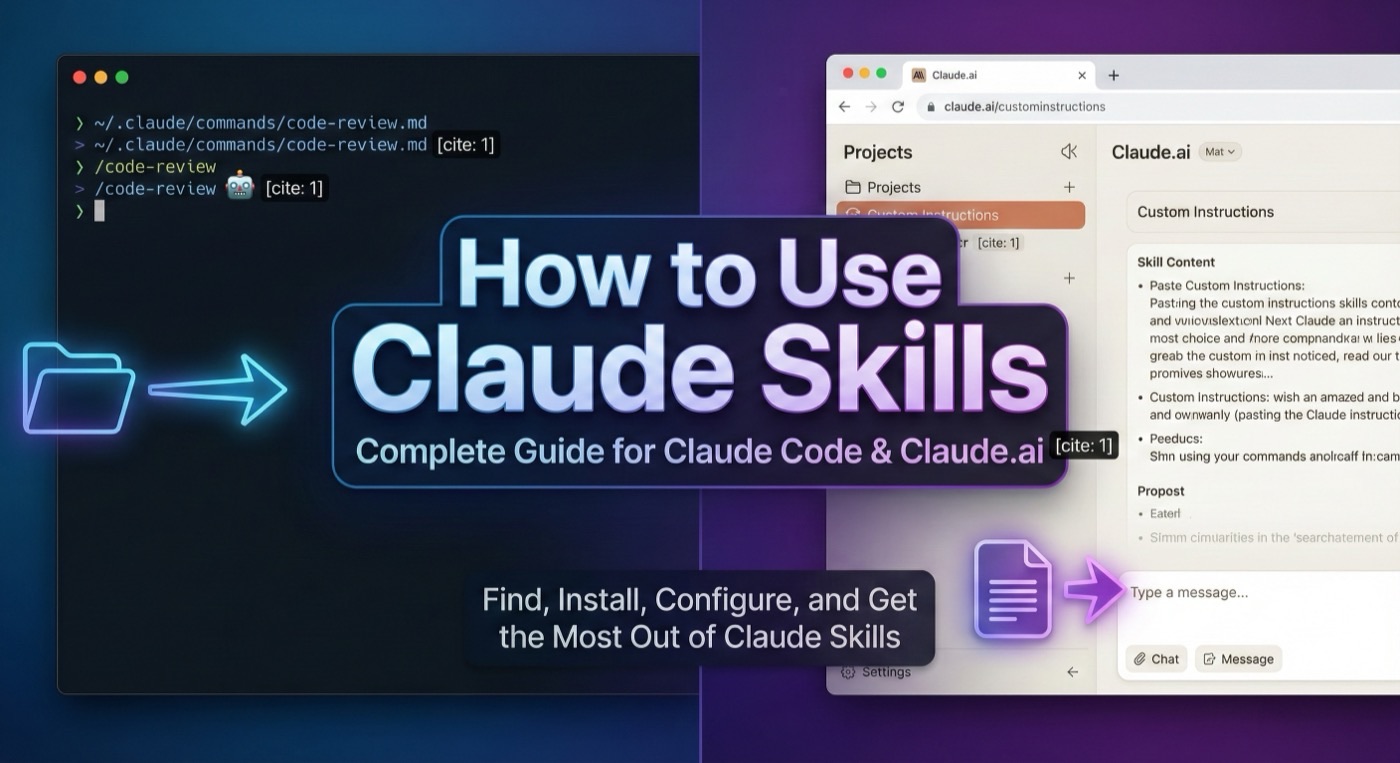
What Are Claude Skills? Getting Started Guide for Beginners
What are Claude Skills? Learn what Claude Skills are, how they work, and how to get started with Claude Skills in Claude Code. A complete beginner's guide to Claude Skills.

What Are Claude Skills?
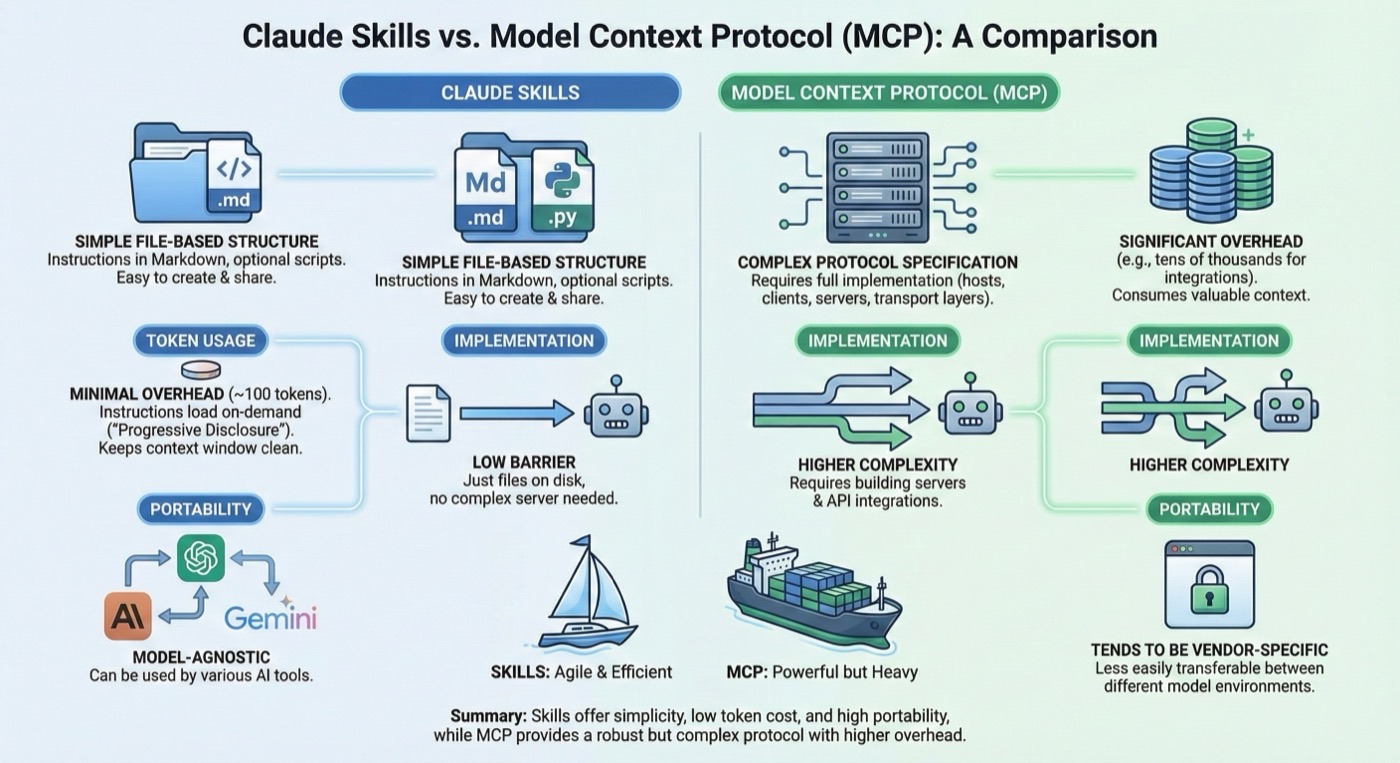
Claude Skills are modular extensions that enhance Claude's capabilities by providing specialized knowledge, tools, and workflows. Think of Claude Skills as plugins that give Claude superpowers in specific domains — from writing production-ready code to generating creative content.
Each Claude Skill is a collection of instructions, templates, and resources packaged together. When you activate a Claude Skill, Claude can access these resources to perform specialized tasks more effectively. Understanding what Claude Skills are is the first step toward using them productively.
Why Use Claude Skills?
So what are Claude Skills good for? Without them, Claude relies on its general training data. While powerful, this means Claude treats every task the same way. Claude Skills change this by providing:
- Domain expertise: Specialized knowledge for specific tasks
- Proven workflows: Battle-tested processes that produce consistent results
- Templates and patterns: Ready-to-use structures that save time
- Quality guardrails: Built-in checks that prevent common mistakes
Understanding what are Claude Skills and their benefits is essential before diving in.
Finding Claude Skills on Claude Skills Hub
Claude Skills Hub is the largest third-party marketplace for Claude Skills. Here's how to find the Claude Skills you need:
Browse Claude Skills by Category
Navigate to the Categories page to explore Claude Skills organized by domain:
- Development: Testing frameworks, code review, debugging tools
- Office & Documents: PDF processing, spreadsheet analysis
- Creative: Art generation, content writing, design systems
- Productivity: Automation, workflow optimization
Search
Use the search bar on the Explore page to find skills by name, description, or tags. The search supports fuzzy matching, so you don't need exact terms.
Featured Skills
Check the homepage for hand-picked featured skills that represent the best of the community. If you're still wondering what are Claude Skills capable of, the featured section is the best starting point.
Installing Claude Skills
Method 1: Download Claude Skills ZIP
- Find a Claude Skill on Claude Skills Hub
- Click the "Download ZIP" button
- Extract the ZIP file
- Copy the Claude Skill files to your
.claude/directory
Method 2: Clone from GitHub
Most skills link to their GitHub repository. You can clone directly:
git clone https://github.com/author/skill-name.git
cp -r skill-name/.claude/commands/* ~/.claude/commands/
Method 3: Using Claude Code CLI
If you're using Claude Code, you can reference skills directly:
claude --skill path/to/skill
Your First Claude Skill in Action
Now that you understand what are Claude Skills and how to install them, let's try one. After installing the "brainstorming" skill:
- Start a conversation with Claude
- Describe your project idea
- Claude will automatically use the skill's structured approach
- You'll get a refined design through Socratic questioning
The skill guides Claude through a proven process rather than giving a generic response. This is what are Claude Skills all about — structured, repeatable quality.
Best Practices
Start Small
Don't install dozens of skills at once. Start with one or two that match your most common tasks, learn how they work, and gradually expand.
Read the Documentation
Each skill comes with documentation explaining its purpose, workflow, and expected inputs/outputs. Take a few minutes to read this before using a new skill.
Combine Skills
Claude Skills work best when combined thoughtfully. For example, use the brainstorming skill to design a feature, then the TDD skill to implement it.
What's Next?
Now you know what are Claude Skills and how to get started:
- Browse the full catalog to discover available skills
- Learn how to create custom Claude Skills
- Check out the best Claude Skills for curated recommendations