Mastering Incident Response with Claude Skills: Runbooks, Postmortems, and On-Call Automation
Learn how SRE and DevOps teams use Claude Skills to automate incident runbooks, write structured postmortems, streamline on-call handoffs, and enforce GitOps workflows under pressure.
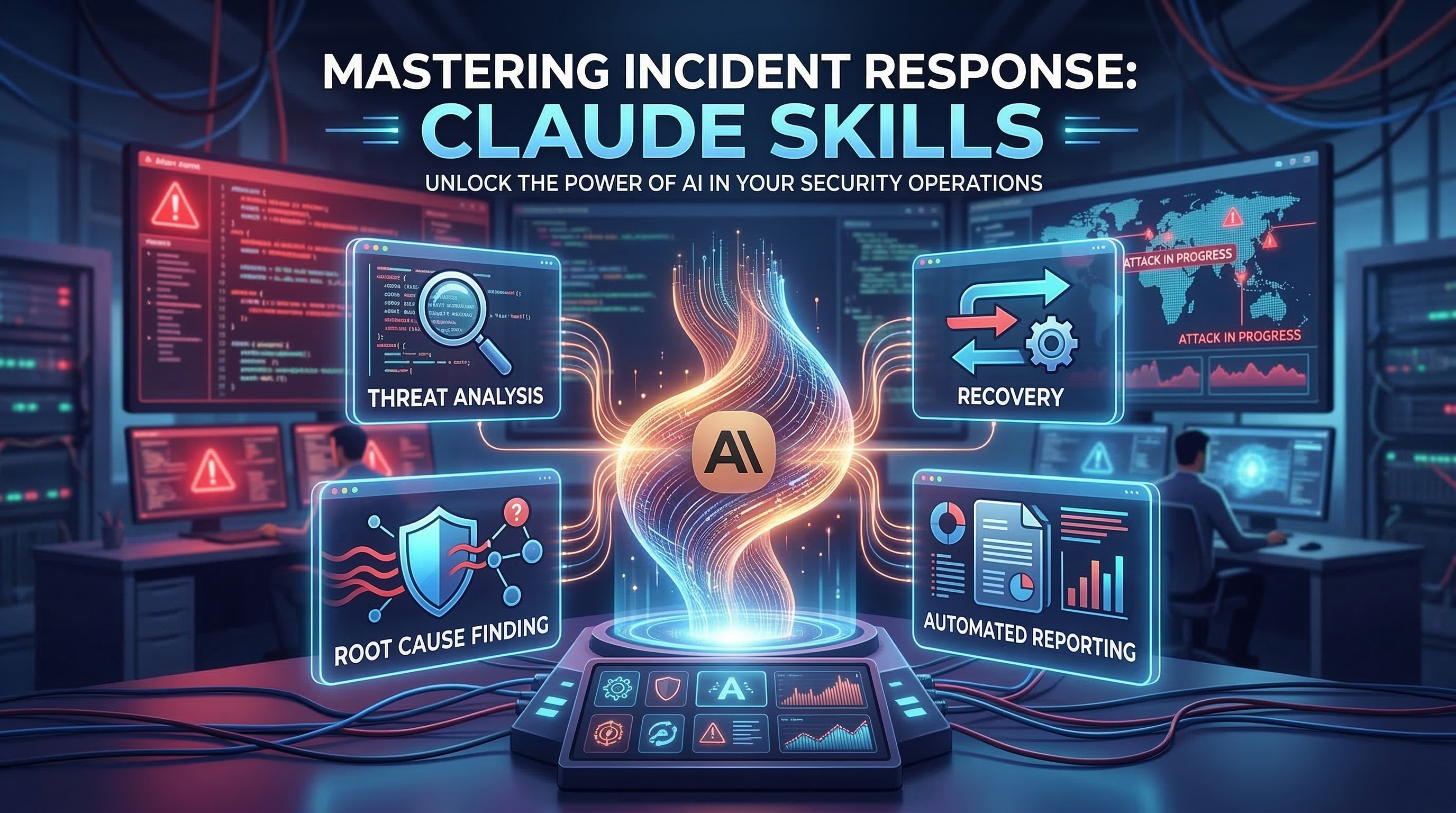
On-call is unforgiving. An alert fires at 2 a.m., your runbook is buried in Notion, the postmortem template is in a different Confluence space, and the engineer coming on shift needs a handoff that does not lose context. Every minute of cognitive overhead during an incident is a minute the system stays degraded.
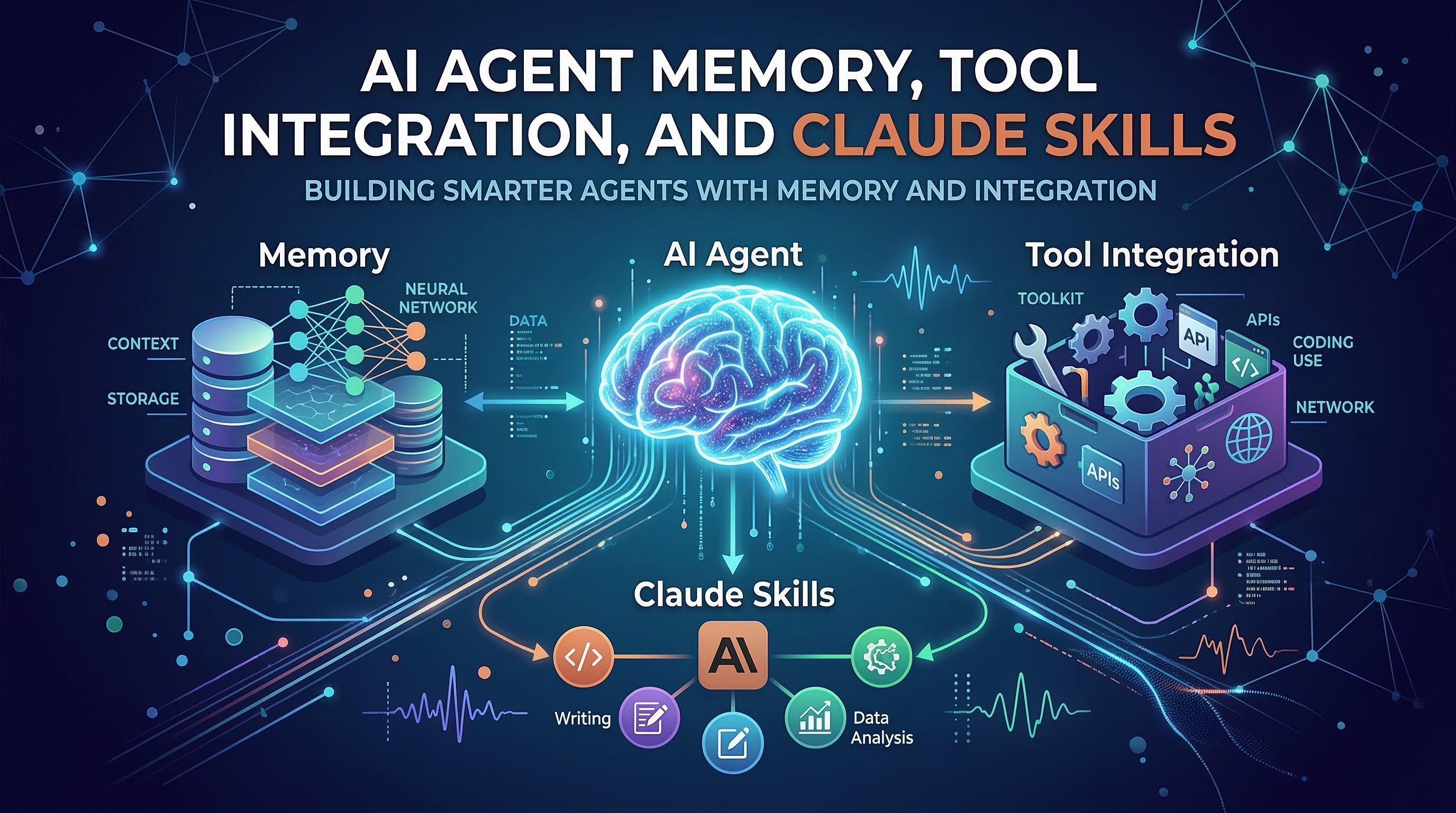
Claude Skills changes this dynamic. By encoding your incident workflows as structured skill files, you give Claude a co-pilot that knows your runbooks, writes your postmortems to spec, and formats on-call handoffs without any copy-paste from last week's incident. This tutorial walks through four skills — wsh-incident-runbook-templates, wsh-postmortem-writing, wsh-on-call-handoff-patterns, and wsh-gitops-workflow — and shows you how to wire them into a complete incident response system.
Why Incident Response Fails Without Structure
Most teams have runbooks. Most teams have postmortem templates. The problem is that under pressure, nobody uses them consistently. The runbook gets skipped because finding it takes three clicks. The postmortem gets written from memory 48 hours later. The on-call handoff is a Slack message with bullet points that make sense only to the person who lived through the incident.
Claude Skills solves this not by adding more process, but by making the right process the path of least resistance. When the skill is in your .claude/commands/ directory, invoking it is one line. Claude does the scaffolding; your team does the thinking.
Step 1: Install the Incident Response Skills
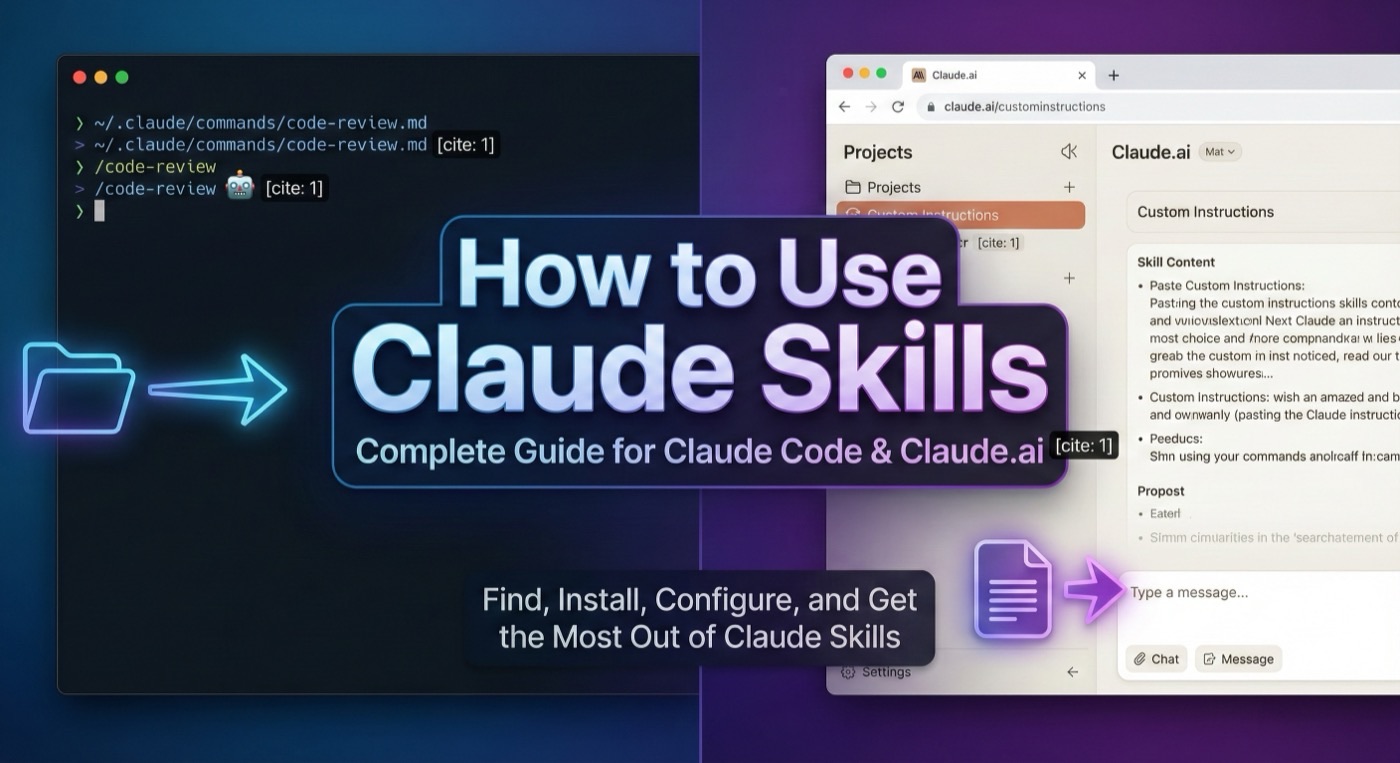
Download the four skills from Claude Skills Hub or install them from the command line:
# Create your global Claude commands directory if it does not exist
mkdir -p ~/.claude/commands

# Download each skill (replace with actual file paths from your ZIP download)
cp wsh-incident-runbook-templates.md ~/.claude/commands/
cp wsh-postmortem-writing.md ~/.claude/commands/
cp wsh-on-call-handoff-patterns.md ~/.claude/commands/
cp wsh-gitops-workflow.md ~/.claude/commands/
Alternatively, place them in your repository's .claude/commands/ directory to scope them to a specific service or team:
cd your-service-repo
mkdir -p .claude/commands
cp ~/downloads/sre-skills/*.md .claude/commands/
Verify Claude Code sees them:
claude --list-commands
# You should see the four skills listed under available commands
Step 2: Run a Runbook During an Incident
The wsh-incident-runbook-templates skill generates a live runbook document you can fill in as the incident unfolds. It prompts Claude to ask for severity, affected systems, current symptoms, and known mitigation steps, then produces a structured working document.
/wsh-incident-runbook-templates

Incident: API gateway returning 503 on all /checkout endpoints
Severity: P1
Affected systems: payment-service, api-gateway
Symptoms: 503 rate spiked to 40% at 14:32 UTC, all regions
Initial hypothesis: connection pool exhaustion after deploy #4471
Claude produces a structured runbook that includes:
- Incident metadata: time, severity, IC (Incident Commander), communication channel
- System context: affected services and their dependencies
- Investigation checklist: ordered steps to confirm or rule out each hypothesis
- Mitigation options: immediate actions ranked by risk and reversibility
- Stakeholder update templates: pre-written status messages for Slack and status pages
The key advantage over a static template is that Claude adapts the checklist to your specific symptoms. If you mention connection pool exhaustion, it adds steps to check pool metrics and recent connection limit changes. If you mention a recent deploy, it adds rollback verification steps.
Step 3: Write a Blameless Postmortem After Resolution
Once the incident is resolved, the wsh-postmortem-writing skill turns your incident notes into a blameless postmortem. Feed it the timeline and Claude structures it correctly every time.
/wsh-postmortem-writing

Service: payment-service
Duration: 14:32–15:17 UTC (45 minutes)
Impact: 40% of checkout requests returned 503; ~$120K GMV affected
Root cause: Deploy #4471 reduced connection pool size from 200 to 20 via misconfigured env var
Resolution: Reverted deploy #4471, restored pool size, verified checkout success rate
Contributing factors: No canary deploy process for env var changes; no pool exhaustion alert
The skill outputs a complete postmortem document with:
## Summary
A misconfigured environment variable in deploy #4471 reduced the payment-service
connection pool from 200 to 20, causing connection exhaustion under normal load
within 4 minutes of the deploy completing.

## Timeline
| Time (UTC) | Event |
|------------|-------|
| 14:28      | Deploy #4471 started |
| 14:32      | 503 error rate crosses 5% threshold |
| 14:35      | PagerDuty alert fires, on-call responds |
| 14:48      | Root cause identified: pool size = 20 |
| 14:52      | Rollback initiated |
| 15:17      | Error rate returns to baseline |

## Root Cause Analysis
The deploy pipeline did not validate environment variable changes against schema
bounds. A numeric typo (20 instead of 200) passed all CI checks because no type
or range validation existed for this variable.

## Action Items
| Action | Owner | Due |
|--------|-------|-----|
| Add env var schema validation to deploy pipeline | Platform team | 2026-03-17 |
| Create connection pool exhaustion alert | Observability team | 2026-03-14 |
| Implement canary deploys for env var changes | SRE | 2026-03-24 |
This format is immediately ready for your internal wiki. No formatting, no hunting for last quarter's postmortem to copy the structure — Claude handles it.
Step 4: Hand Off to the Next On-Call Engineer
The wsh-on-call-handoff-patterns skill generates a structured handoff document that preserves context across shift boundaries. This is critical: incidents often span multiple shifts, and a weak handoff means the incoming engineer starts from scratch.
/wsh-on-call-handoff-patterns

Shift end: 2026-03-10 18:00 UTC
Incoming: @alex.chen
Open incidents: None (P1 from earlier resolved at 15:17)
Active monitors: Watching payment-service connection pool metrics (alert threshold lowered to 80% for 48h)
Pending actions: Platform team deploying env var validation by end of week
Known risks: High traffic expected Wednesday due to marketing campaign
Claude generates a handoff that covers:
- Resolved incidents summary: what happened, how it was fixed, what to watch
- Active monitoring changes: any alert thresholds temporarily adjusted and when to restore them
- Pending action items: tasks in flight that the incoming engineer may need to follow up on
- Risk calendar: upcoming events that could increase incident probability
- Escalation contacts: who to call if specific systems degrade
Step 5: Enforce GitOps Discipline with the Workflow Skill
The wsh-gitops-workflow skill is your safety net for changes made during or after an incident. Incidents create pressure to bypass normal processes — direct hotfixes, skipped reviews, manual rollbacks that never get committed. This skill enforces the right GitOps pattern every time.
/wsh-gitops-workflow

I need to roll back the payment-service deployment to the previous image tag.
Current tag: v2.4.1
Target tag: v2.4.0
Environment: production
Claude responds with the exact GitOps sequence:
# 1. Create a rollback branch from main
git checkout main && git pull
git checkout -b fix/payment-service-rollback-v2.4.0

# 2. Update the image tag in your manifest
sed -i 's/image: payment-service:v2.4.1/image: payment-service:v2.4.0/' \
  k8s/production/payment-service/deployment.yaml

# 3. Commit with an incident reference
git add k8s/production/payment-service/deployment.yaml
git commit -m "fix: rollback payment-service to v2.4.0 (incident #2026-0310)"

# 4. Open a PR for review — even under incident pressure
gh pr create --title "fix: rollback payment-service to v2.4.0" \
  --body "Emergency rollback. Incident #2026-0310. See postmortem link."

# 5. After merge, verify ArgoCD or Flux picks up the change
kubectl rollout status deployment/payment-service -n production
The skill includes a reminder to revert any temporary manual changes once the GitOps change is applied — a step teams frequently miss during incident cleanup.
Combining All Four Skills: A Complete Incident Lifecycle
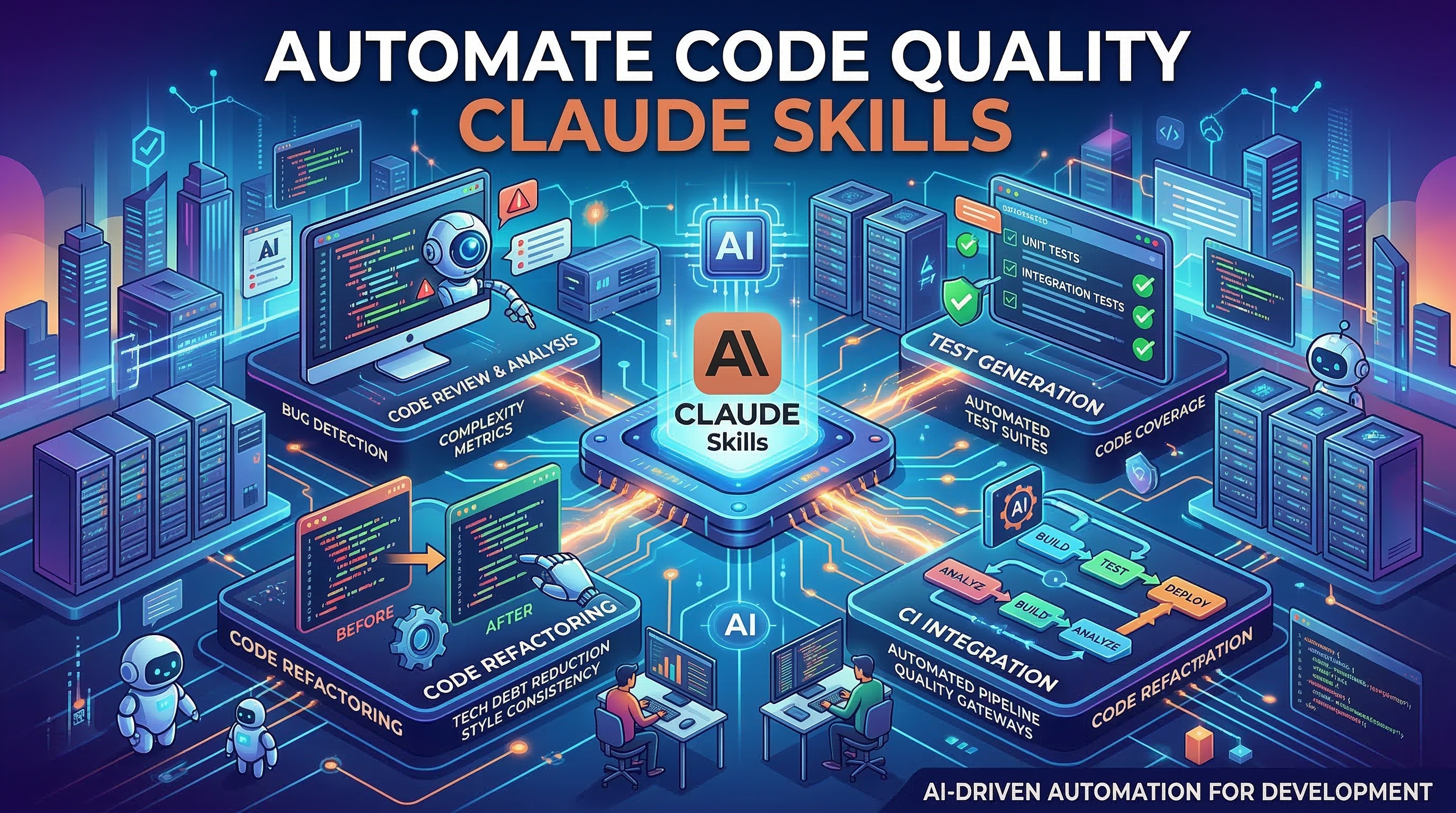
Here is how the four skills work together across a typical incident lifecycle:
| Phase | Skill | What Claude Produces |
|---|---|---|
| Detection & Response | wsh-incident-runbook-templates | Live runbook, investigation checklist, stakeholder updates |
| Mitigation | wsh-gitops-workflow | Rollback commands, PR template, verification steps |
| Post-Incident | wsh-postmortem-writing | Blameless postmortem with timeline and action items |
| Shift Handoff | wsh-on-call-handoff-patterns | Structured handoff doc for incoming engineer |
Run them sequentially as the incident progresses. Each skill builds on context from the previous one — you can paste the incident summary from the runbook directly into the postmortem skill prompt.
Customizing Skills for Your Stack
Every team's stack is different. The skills work out of the box, but they become more powerful when you add your specific tooling. Open any skill file in your text editor and extend the workflow section:
<!-- Add to wsh-incident-runbook-templates.md -->
## Stack-Specific Investigation Steps
- Check Datadog dashboard: https://app.datadoghq.com/dashboard/your-id
- Query PagerDuty for related alerts: `pd incident list --status=triggered`
- Check deployment history: `argocd app history payment-service`
- Slack channel for incidents: #incidents-p1
These additions persist across all your incidents without any additional prompting.
What to Do Next
Install the four skills today and run a dry-run during your next scheduled game day or chaos engineering exercise. Using Claude Skills in a low-stakes environment lets your team build muscle memory before they need it under pressure.
Browse the full SRE and DevOps skills collection on Claude Skills Hub to find additional skills for infrastructure automation, security incident response, and deployment verification. Each skill is open source — read the source, fork it, and publish your improvements back to the community.
Incidents will always happen. How fast your team recovers is the variable you control. Claude Skills makes the right process automatic so your team can focus on the system, not the paperwork.